This feature offers to show received and sent emails of a contact in the ingenious.V12 software.
The emails will be received from server with IMAP and will be stored in the media folder of the contact.
The assignment is done by the email addresses that are stored in contact's details and address details.
In the global settings / "configuration email accounts" any amount of email accounts can be stored for receiving incoming or sent emails.
A new account can be configured with click on button 
An existing account can be deleted with click on button 
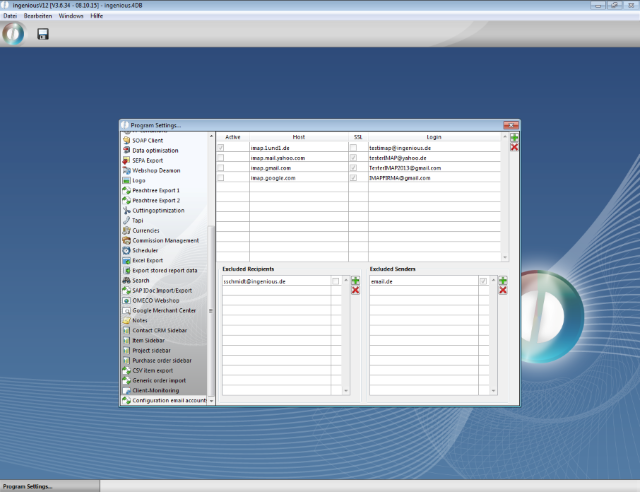
Global settings for receiving emails
For each email account the single values for configuration can be set
| Active | Selection by checkbox whether this account shall be included when receiving emails or not |
| IMAP Host | address of the IMAP host server |
| Login | Login of the email account |
| Password | Password of the email account |
| Use SSL | When the provider requires an SSL connection this checkbox has to be enabled. |
| Inbox folder | Name of the inbox folder. This has to be exactly this name that the provider gave this folder. You might need to ask your provider for details. For gmail accounts with only one folder for in and out this field has to be empty. |
| Outbox folder | Name of the outbox folder. This has to be exactly this name that the provider gave this folder. You might need to ask your provider for details. For gmail accounts with only one folder for in and out you have to fill the name of that folder here. |
| Consider senders (Outlook) | For assigning the contact the software searches in field recipient for sent emails in outbox folder and in field sender for emails in inbox folder. When there is only one folder as it is for gmail accounts, the software also need to search in field sender in outbox folder for incoming emails. |
| Private | Private emails are secured by an individual user right. You can set any email account to private that should only be visible for that user that has this email address stored in his user data. |
| Excluded Recipients | If you don't want to store the emails that was sent to all possible senders you can exclude single email addresses or even complete domains. You can define excluded recipients for each email account or globally. Global excluded senders are displayed in grey font. |
| Excluded Senders | If you don't want to store the emails that was sent to all possible senders you can exclude single email addresses or even domains. You can define excluded senders for each email account or globally. Global excluded senders are displayed in grey font. |
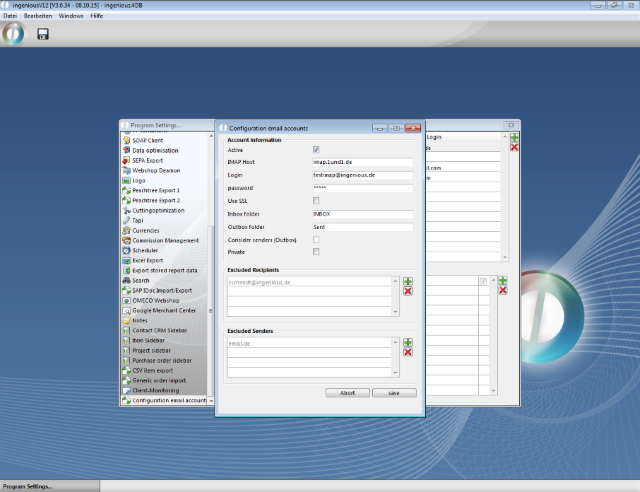
Configuration of an email account
For an automatic periodical call a script with the method call "Mailverkehr_Load_MSg" needs to be created in stored procedures of scripteditor. The name of the script can be freely given.
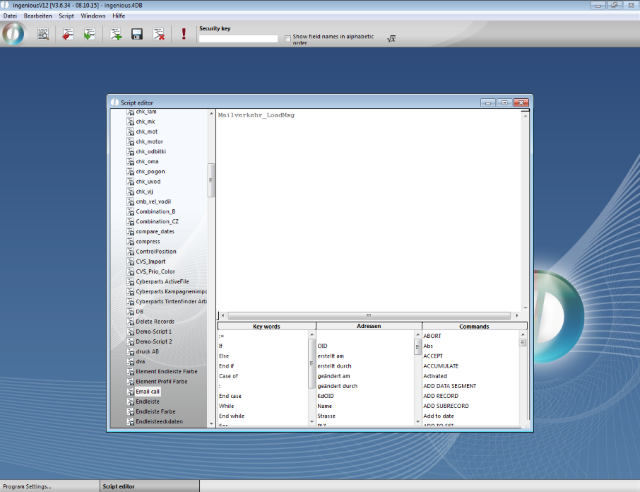
Method call in script
For this script a task in the scheduler needs to be configured.
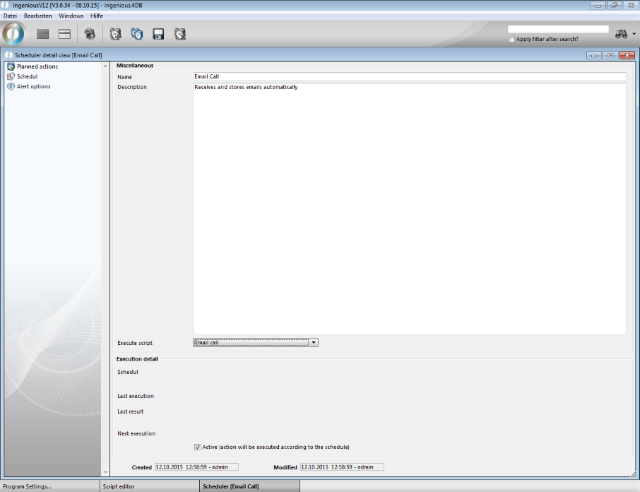
Scheduler tasks for emails
There you also has to set a schedule for this task.
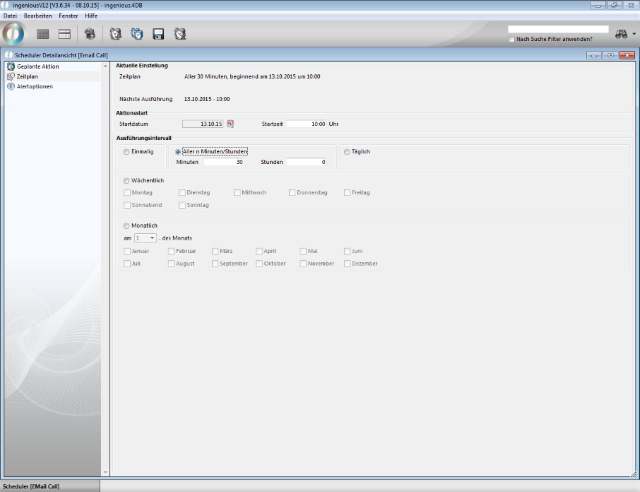
Schedule
In the scheduler messages about success or failure is created for each run.
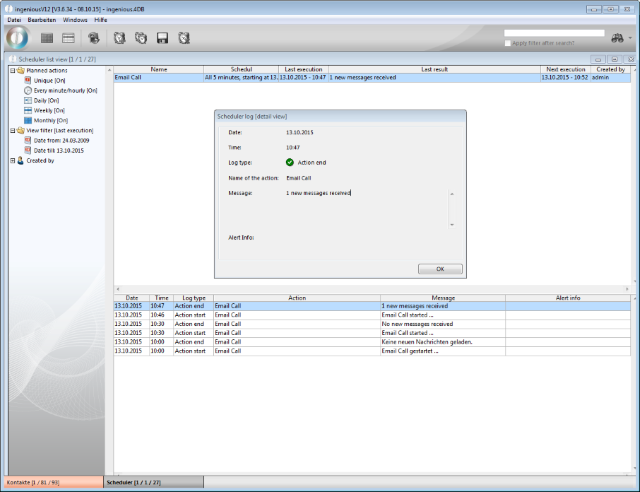
Success message email call
At the contact the emails are visible at tab "email correspondence". The complete email is shown. Also pictures and attachments could be displayed / opened.
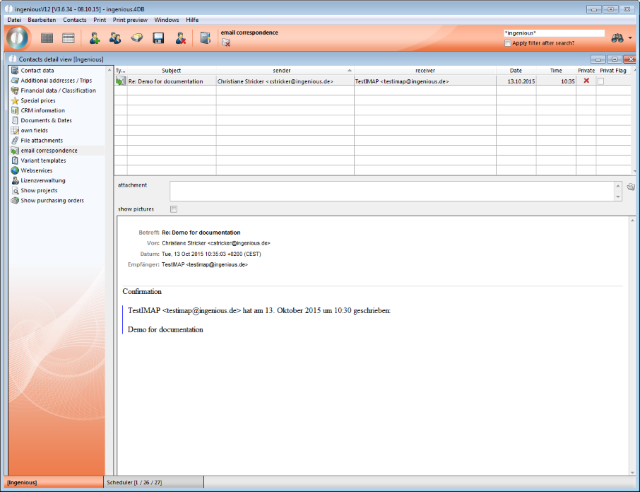
Email at contact
You can also let the emails be displayed in the more detailed contact overview.
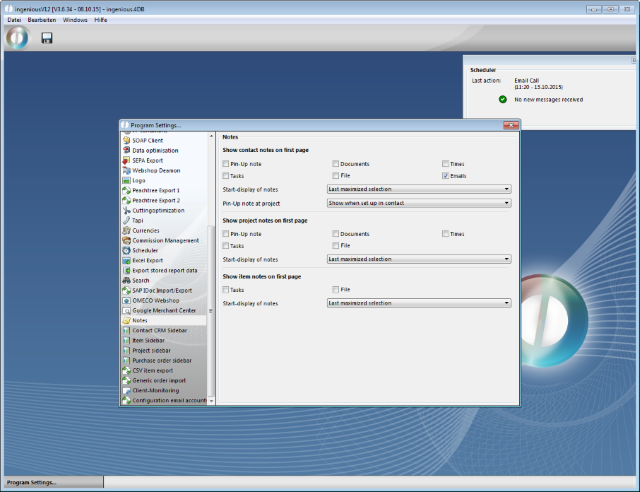
Settings for more detailed contact overview
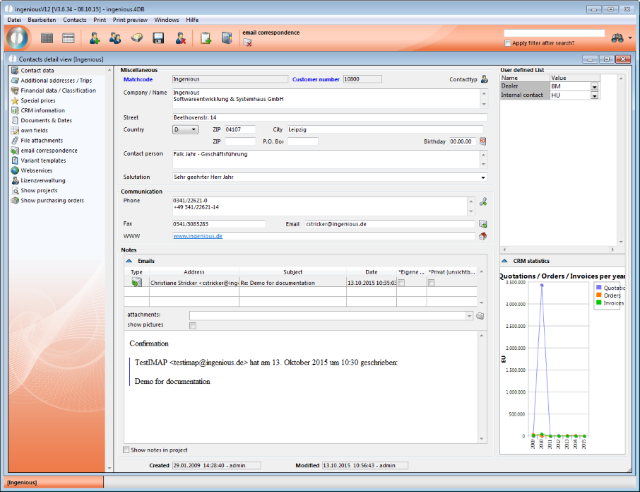
Email in more detailect contact overview